
- Home
- Security
- Email Services
- Website Tools
PatternedAI is an AI tool for generating royalty-free patterns for products. It allows users to quickly and easily generate unlimited, unique designs, customized to their needs. The platform offers free downloads of 10 pattern generations, and premium features such as unlimited image generations and higher resolution patterns. Patterns generated can also be shared in a public gallery.

Xinva is a print-on-demand business tool powered by machine learning and artificial intelligence technology. It helps to boost productivity and can create innovative designs that help to engage customers. It can generate designs from the user's imagination, remove backgrounds, and increase resolution automatically. It also offers well-researched design prompts to help users create better designs.

Astria AI provides an AI model trained using a set of images provided by the user. For a one-time payment of $5, the service allows you to generate images using textual prompts with a limit of 500 prompts. This model is kept for 1 month, however, the user can delete it at any time. Additionally, the user can extend the model beyond 30 days with a new pricing model. The augment button allows the user to extend the prompt automatically and the model can be trained for more than one person.
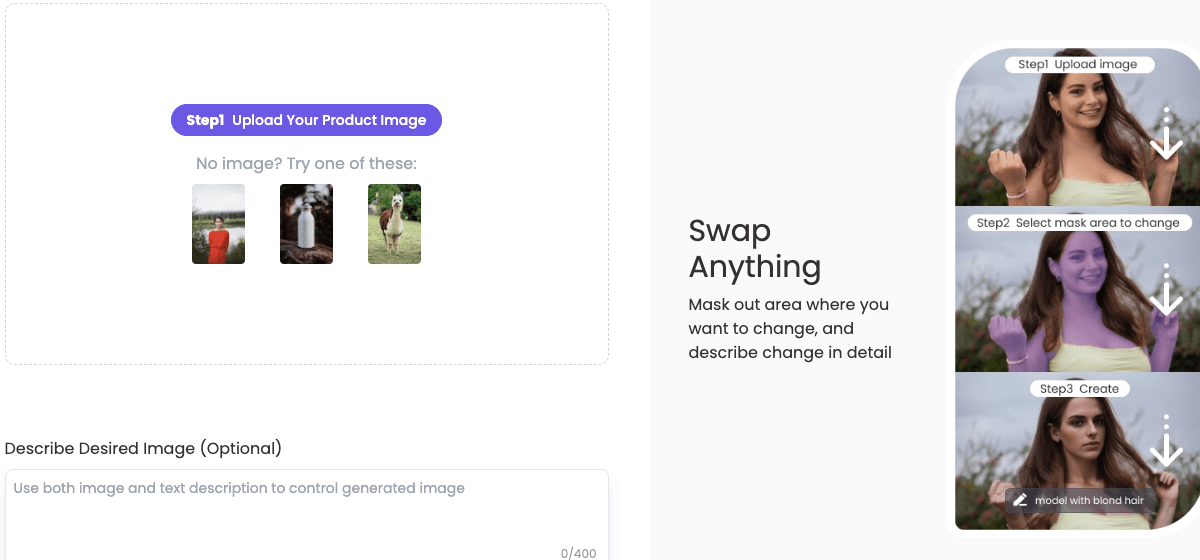
Swap Anything tool is an AI image generator that allows users to generate images with various styles, backgrounds, and resolutions. Users can also use the tool to generate room designs, product backgrounds, and swap anything with different images. The tool also provides tips and prompt guidance to help users describe the desired image and get the best results.
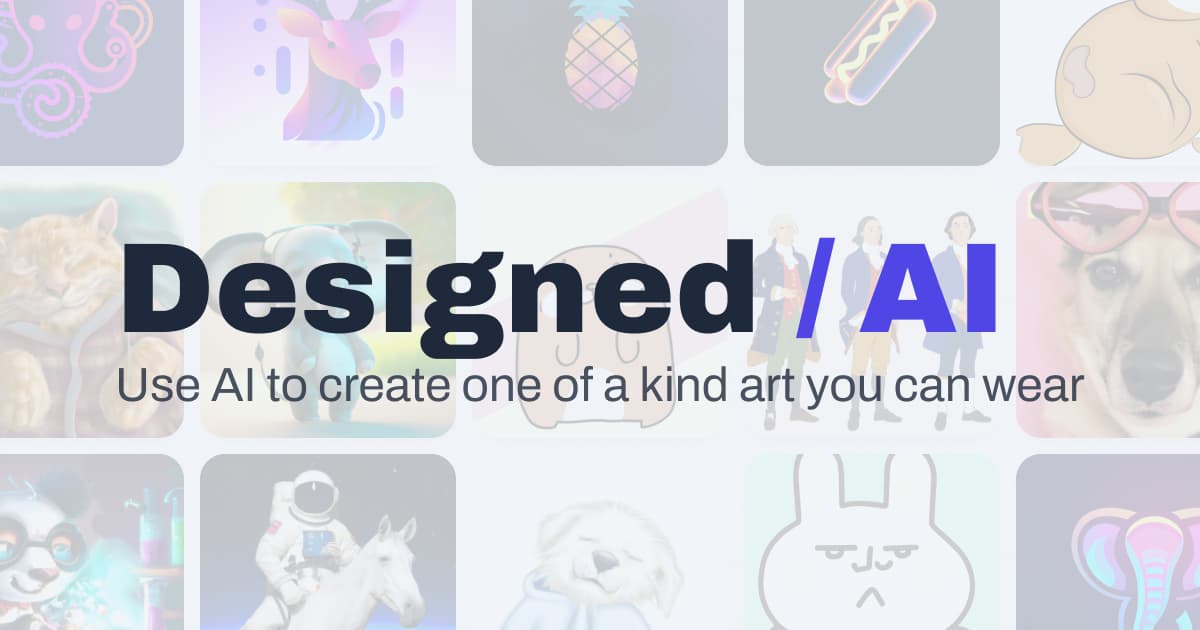
1. Choose the content type, such as photo realistic render or an artist-created image. 2. Describe the object you want to generate. 3. Choose a style by lighting, detail, artist, historical era, technique, and material. 4. Pick a color for the result. 5. Select the camera view. 6. Generate your shirt design. Design for free then purchase the shirt.