
- Home
- Security
- Email Services
- Website Tools
Pipio is a video-making platform that allows users to create videos with photorealistic digital actors by typing in a script. It features an ever-expanding roster of racially-diverse actors, and offers customization options for scripts to be delivered in over 20 different languages. The platform eliminates the costly and time-consuming production aspects of filming, allowing users to create and edit videos in three easy steps.


HeyGen is a video platform that allows users to easily create engaging business videos with generative AI. It offers 100+ customizable realistic avatars, 300+ voices in 40+ languages, text-to-video in minutes, 1080P video downloads, video sharing, creative styles, and background music. It is suitable for use cases such as marketing & sales, training & onboarding, explainer & how-to, and news.

Artflow.ai is a tool that enables users to easily create animated stories with original characters, scenes, dialogue, and assets generated with AI. The tool also provides millions of user-generated assets and supports non-English descriptions. It offers features such as Portraits 2.0 and New Images, as well as its Video Studio feature.

Kaiber is a video generation engine that enables users to create videos from their own images or text description. It offers features such as Spotify Canvas for musicians, inspiration for artists, content for creators, and fun for futurists, allowing them to express themselves in a unique way and push the bounds of AI tools. Kaiber is free to use and requires no credit card.
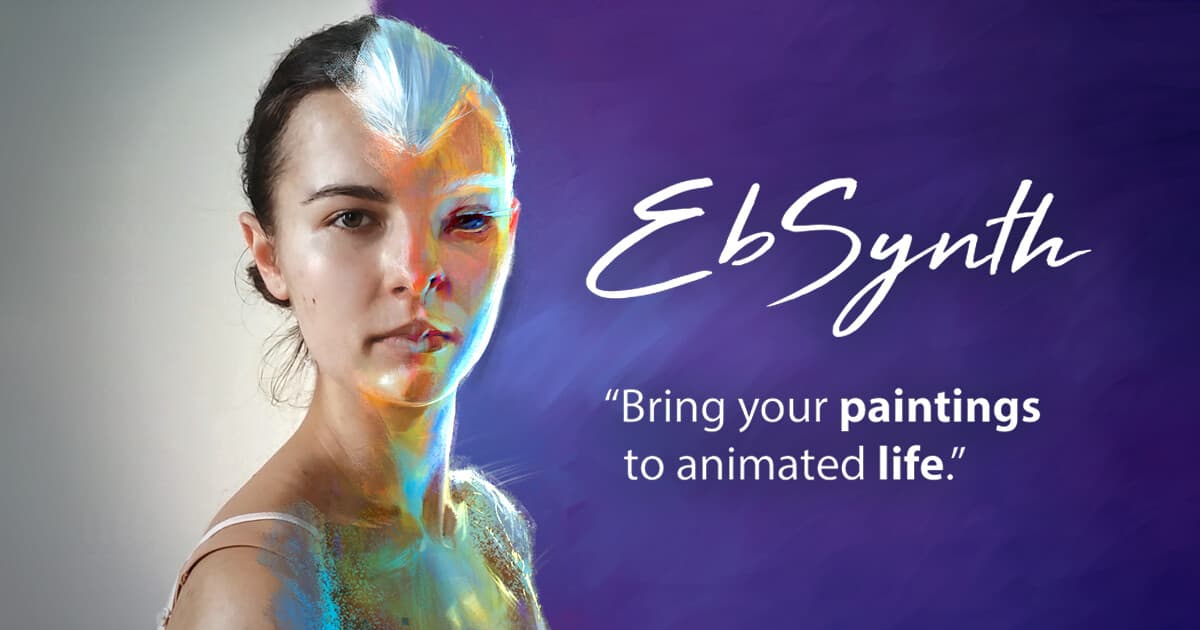
EbSynth is a tool for transferring the style of a hand-painted keyframe to a source video. The software automatically preserves texture coherence, contrast, and high frequency details while stylising the footage. Optional masks can be used to specify which parts of the frame should be stylised. For best results, the keyframe should closely match the footage and a new keyframe should be supplied after any significant changes in perspective.